How to play
Guides
Step-by-step guides with pictures and videos. For the upgrade planners, open the planners on the home page.
Getting started
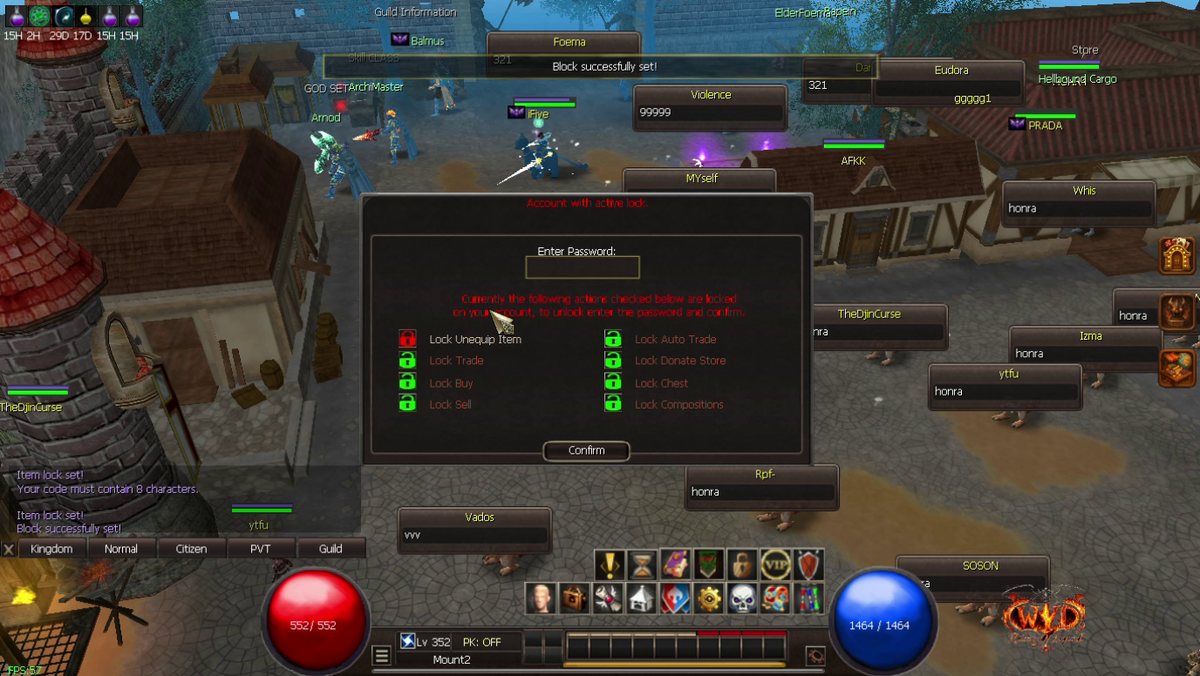 Account lock: protect your items
Click the padlock in the main menu to lock your items, trade, chest and more with your own 8-character password.
Account lock: protect your items
Click the padlock in the main menu to lock your items, trade, chest and more with your own 8-character password.
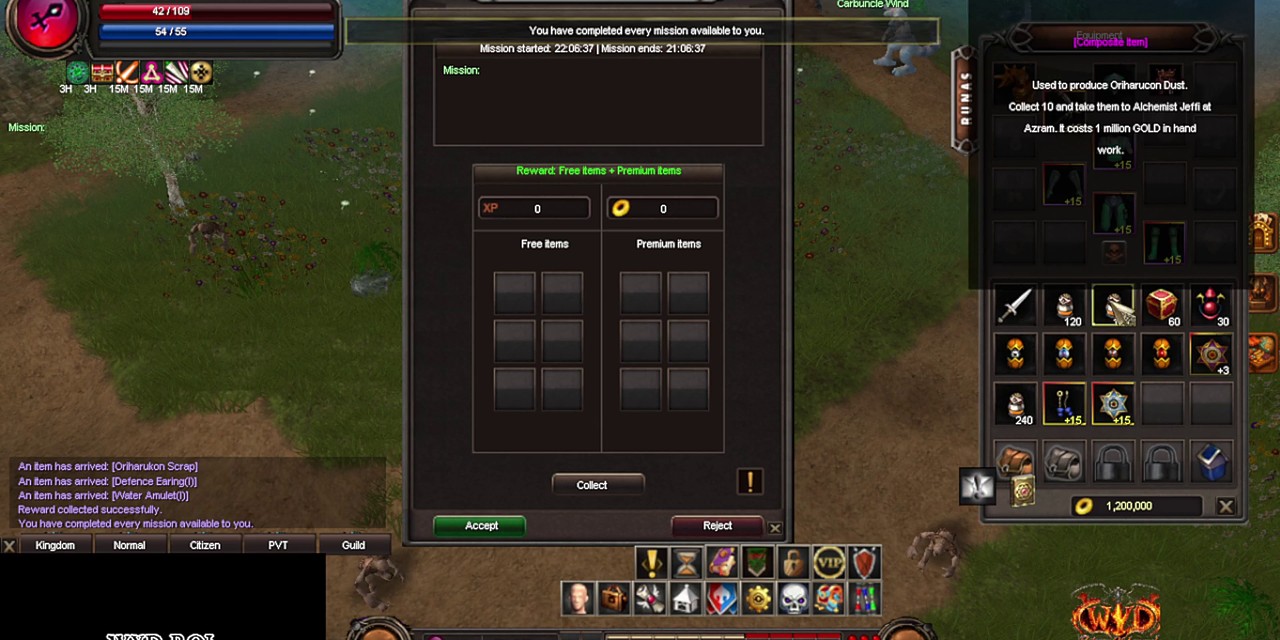 Daily Missions (Supreme Mission)
Free daily missions for Mortal, Arch and Celestial: accept, teleport to the monster, kill, collect.
Daily Missions (Supreme Mission)
Free daily missions for Mortal, Arch and Celestial: accept, teleport to the monster, kill, collect.
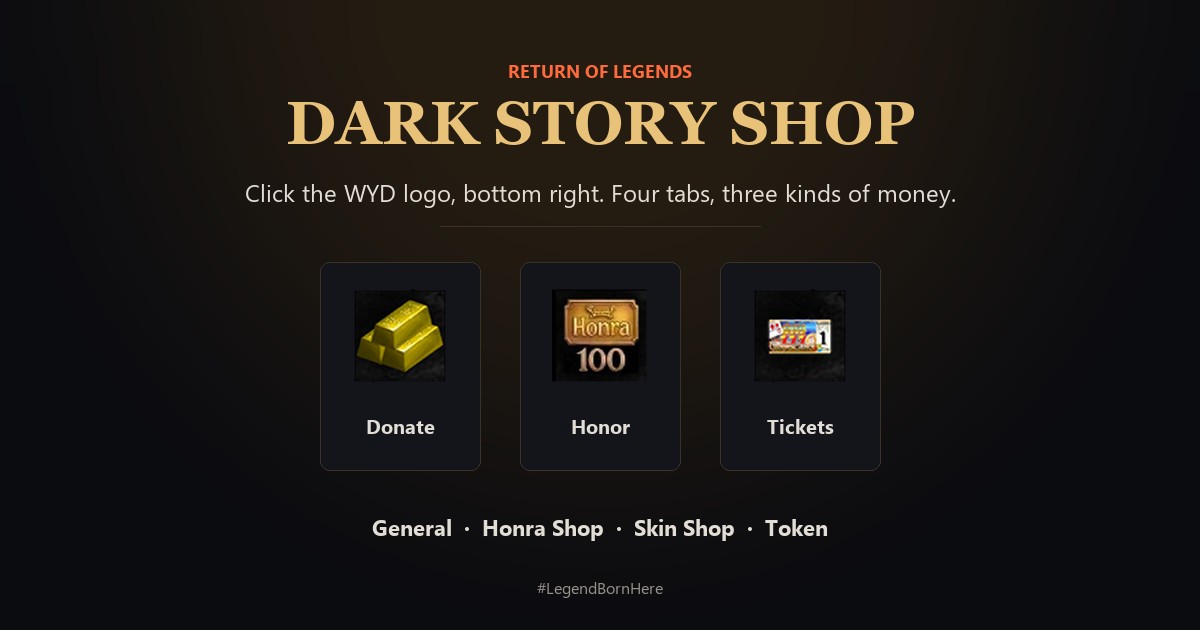 Dark Story shop: Donate, Honor and Tickets
Click the WYD logo at the bottom right of the screen. Four tabs: General, Honra Shop, Skin Shop and Token. Each tab has its own money.
Dark Story shop: Donate, Honor and Tickets
Click the WYD logo at the bottom right of the screen. Four tabs: General, Honra Shop, Skin Shop and Token. Each tab has its own money.
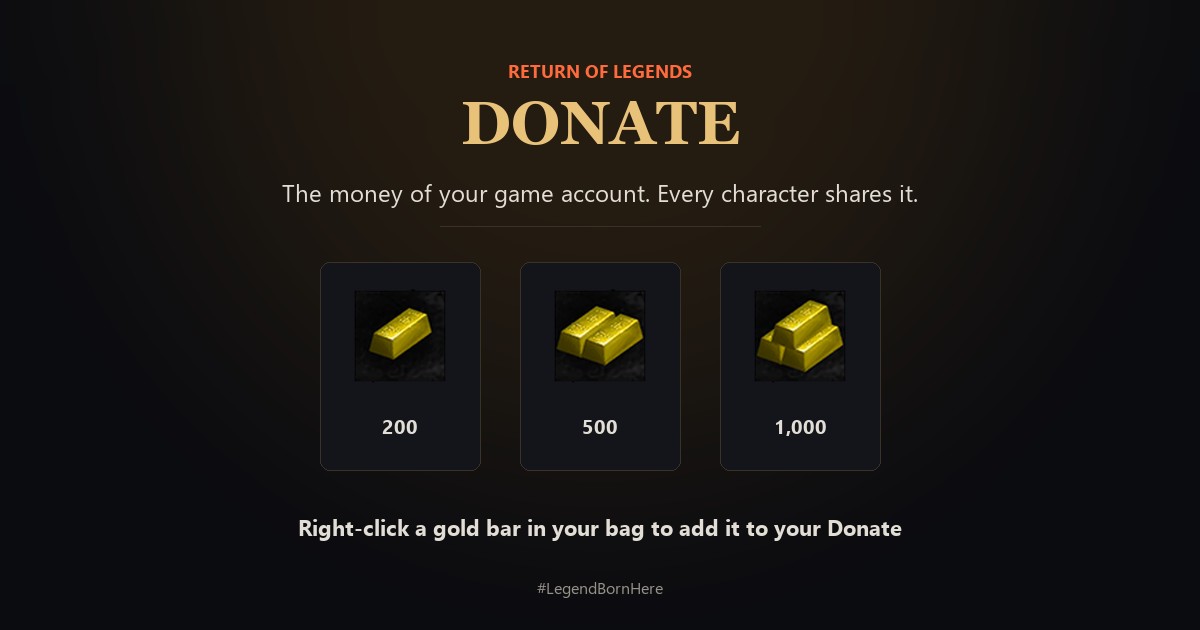 Donate: how to get it and use it
Donate is the money of your game account. Get it from gold bars, chests and your own shop, and spend it in the Dark Story shop and player shops.
Donate: how to get it and use it
Donate is the money of your game account. Get it from gold bars, chests and your own shop, and spend it in the Dark Story shop and player shops.
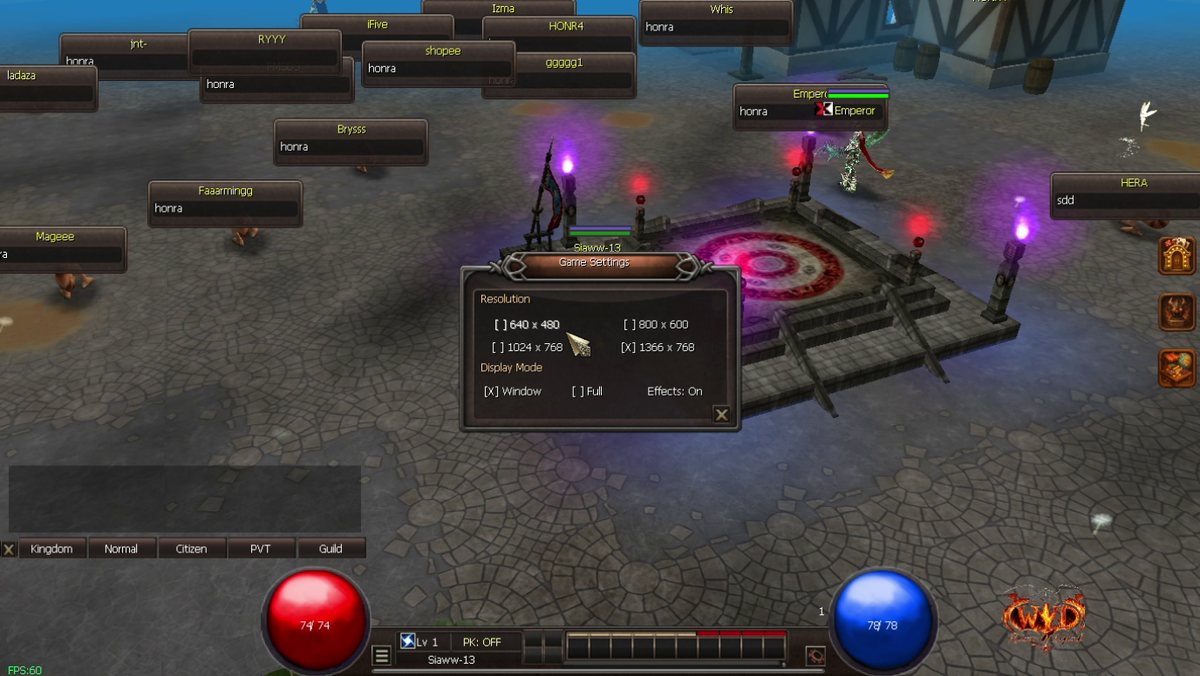 Game settings: effects and window size
Press ESC, open Settings, then turn effects on or off and change the game window size without leaving the game.
Game settings: effects and window size
Press ESC, open Settings, then turn effects on or off and change the game window size without leaving the game.
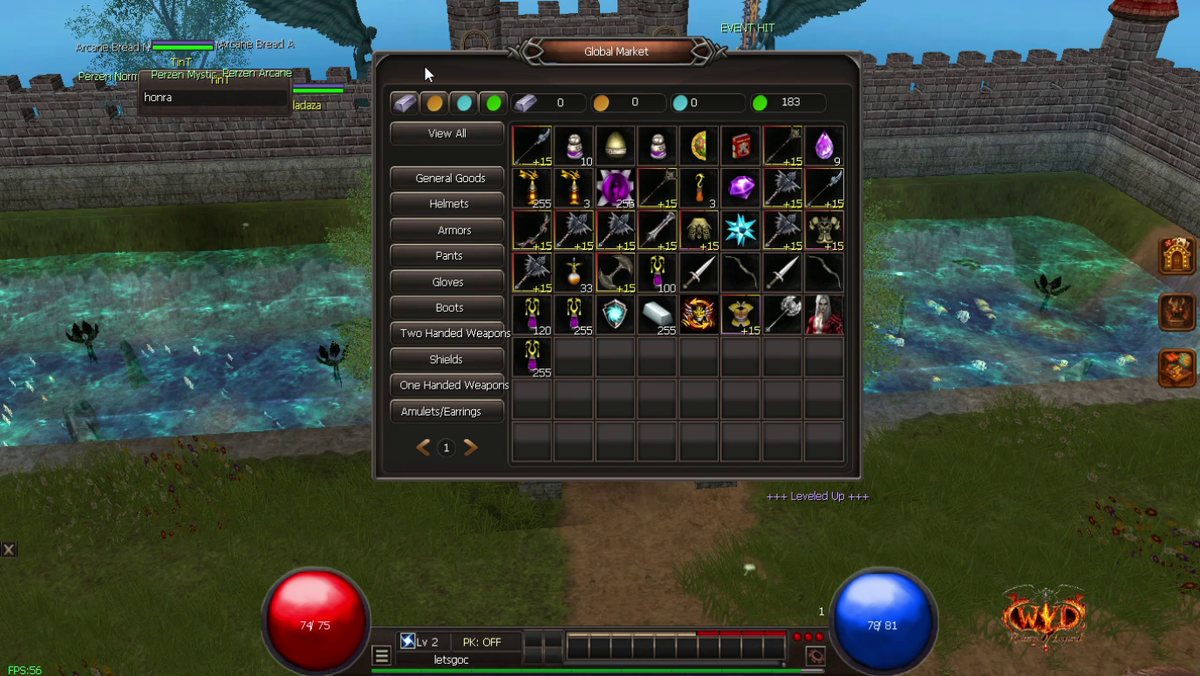 Global Market: every store in one window
Click the side button to see the items from all player stores in one window, then buy with Gold, Gold Bricks, Donate or Honor.
Global Market: every store in one window
Click the side button to see the items from all player stores in one window, then buy with Gold, Gold Bricks, Donate or Honor.
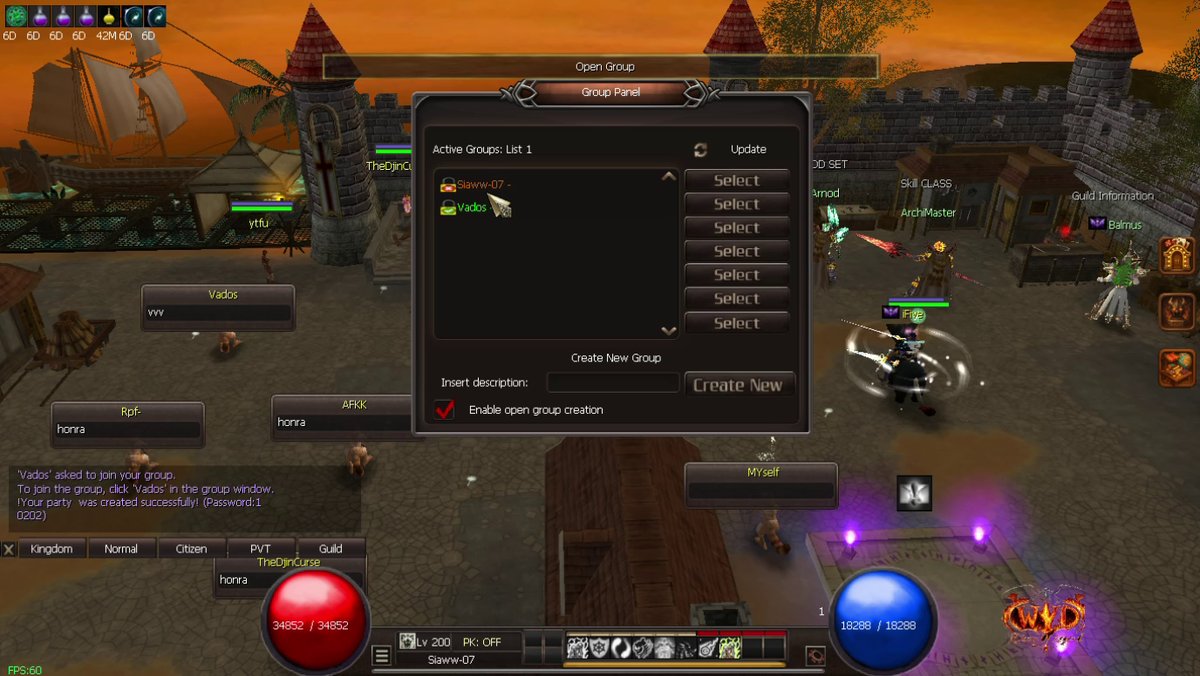 Group Panel: create and join a party (press O)
Press O to see all groups, join one, or create your own open or private group with a password.
Group Panel: create and join a party (press O)
Press O to see all groups, join one, or create your own open or private group with a password.
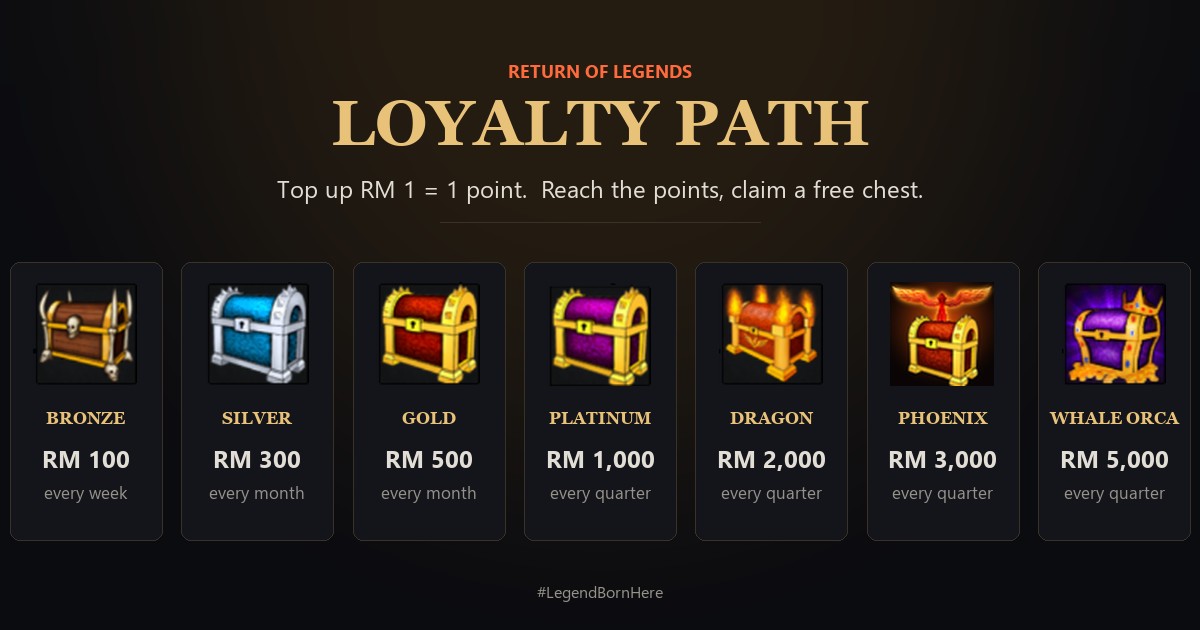 Loyalty Path: free chests for your top-up
Every RM 1 you top up gives 1 point. Reach a chest's points and claim Bronze, Silver, Gold, Platinum, Dragon, Phoenix or Whale Orca on the website.
Loyalty Path: free chests for your top-up
Every RM 1 you top up gives 1 point. Reach a chest's points and claim Bronze, Silver, Gold, Platinum, Dragon, Phoenix or Whale Orca on the website.
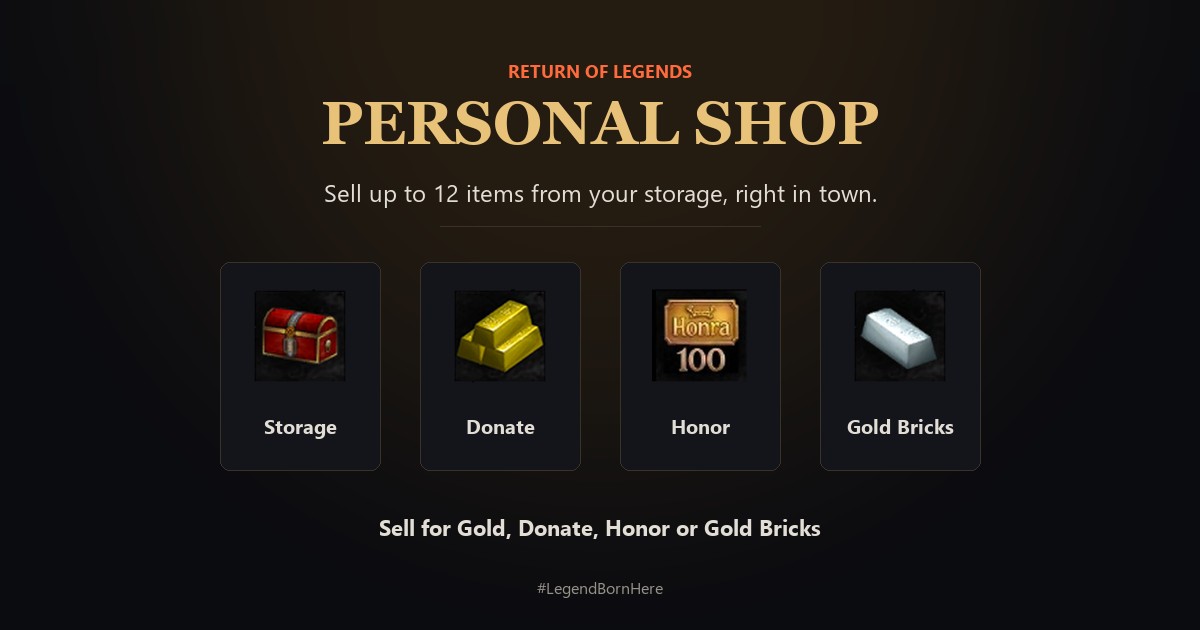 Personal Shop: sell from your storage
Open your own shop in town, sell up to 12 items from your storage for Gold, Donate, Honor or Gold Bricks, and earn Honor while it is open.
Personal Shop: sell from your storage
Open your own shop in town, sell up to 12 items from your storage for Gold, Donate, Honor or Gold Bricks, and earn Honor while it is open.
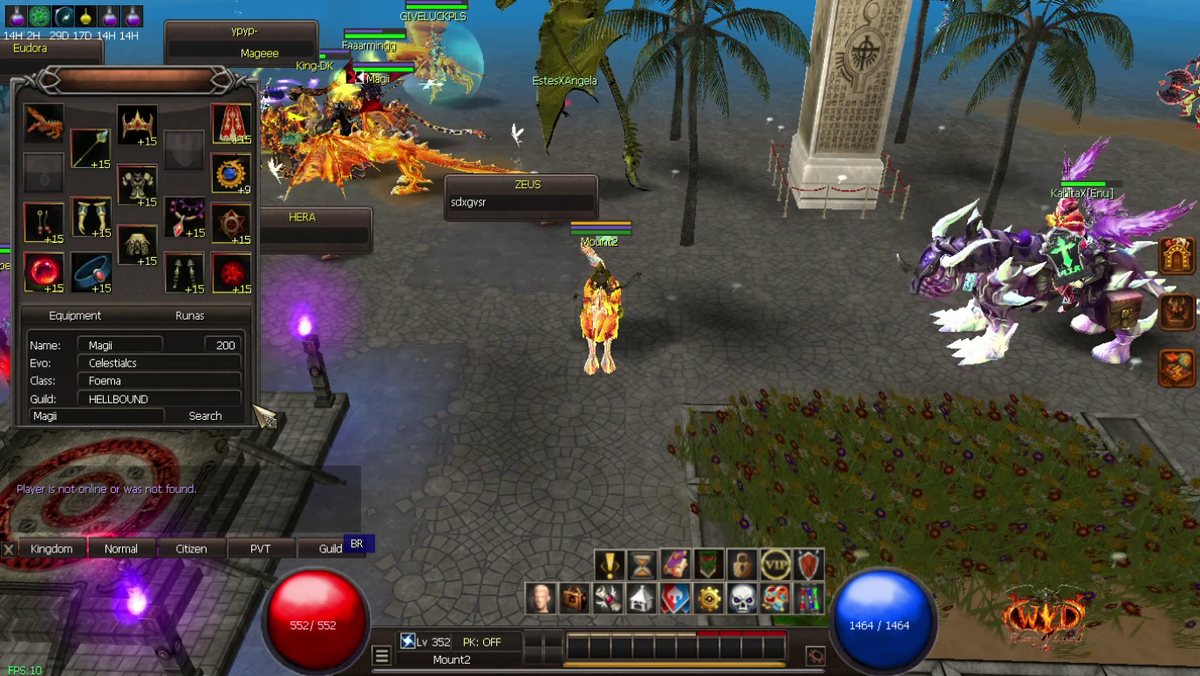 Player Info: see any player's gear and runes
Open Player Info in the main menu, type a character name and see that player's equipment and rune slots.
Player Info: see any player's gear and runes
Open Player Info in the main menu, type a character name and see that player's equipment and rune slots.
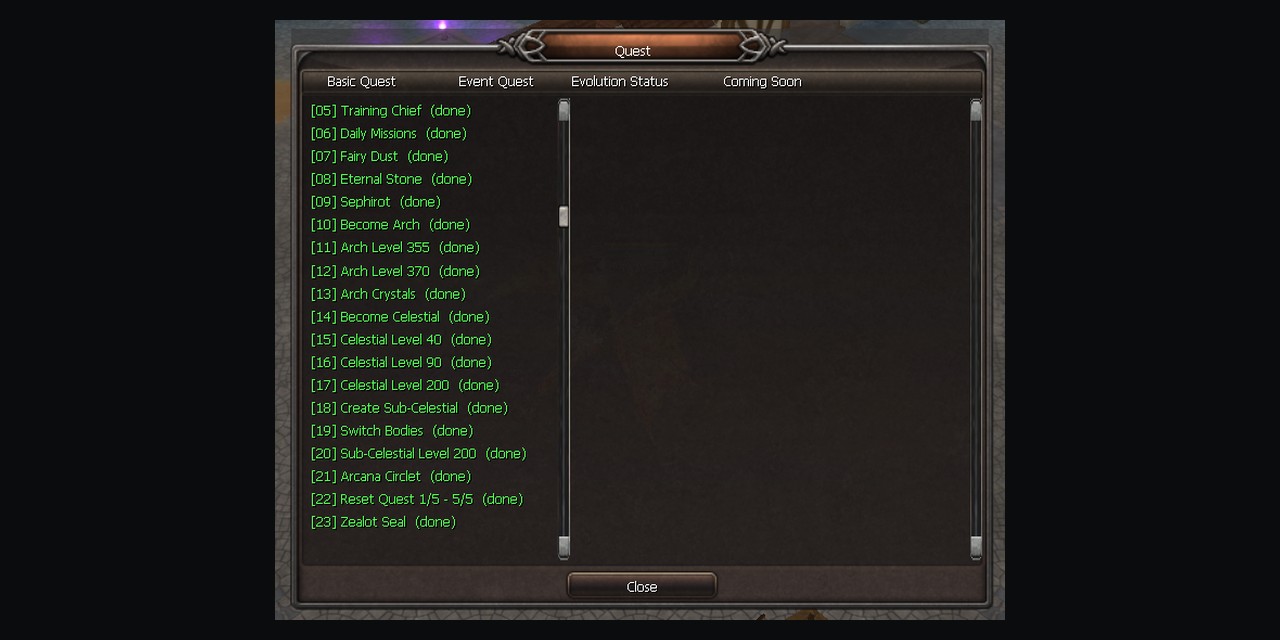 Quest window: your road in game
Press X in game: the Basic Quest tab shows the whole road from Mortal to the Zealot Seal, ticks what you finished and opens each website guide.
Quest window: your road in game
Press X in game: the Basic Quest tab shows the whole road from Mortal to the Zealot Seal, ticks what you finished and opens each website guide.
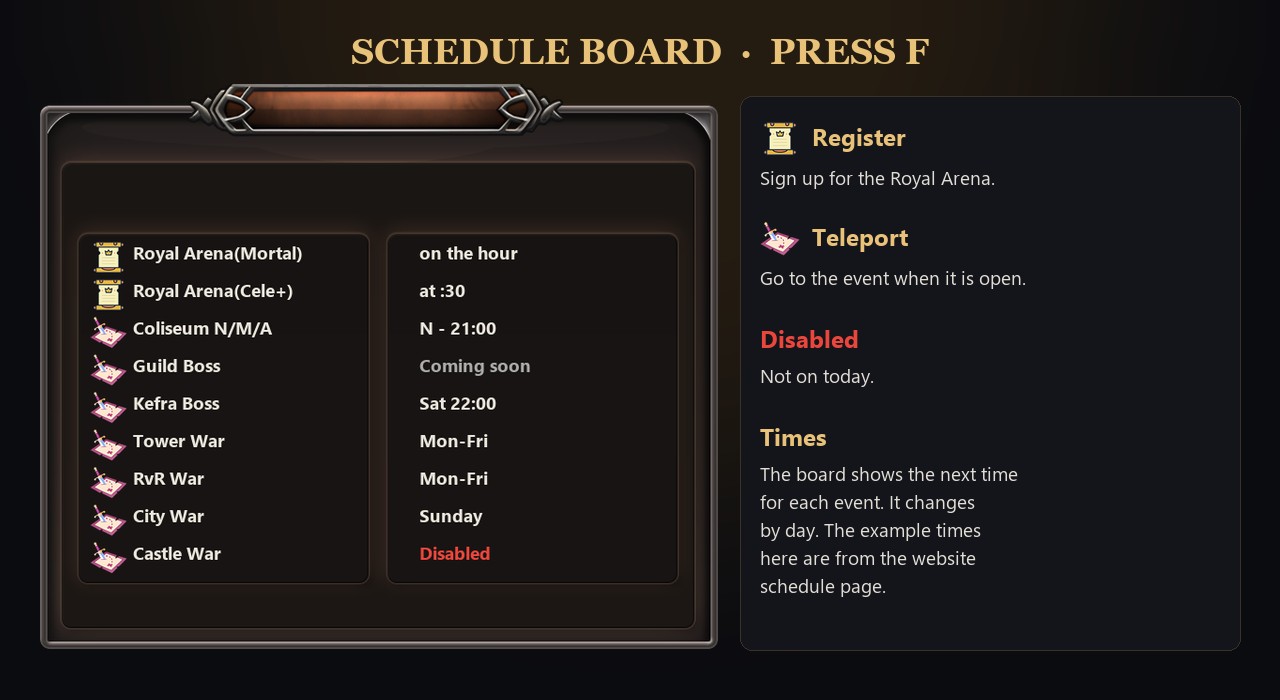 Schedule Board (press F): event times and teleports
Press F to see when each event starts, sign up for the Royal Arena, and teleport to Coliseum, Kefra and the wars.
Schedule Board (press F): event times and teleports
Press F to see when each event starts, sign up for the Royal Arena, and teleport to Coliseum, Kefra and the wars.
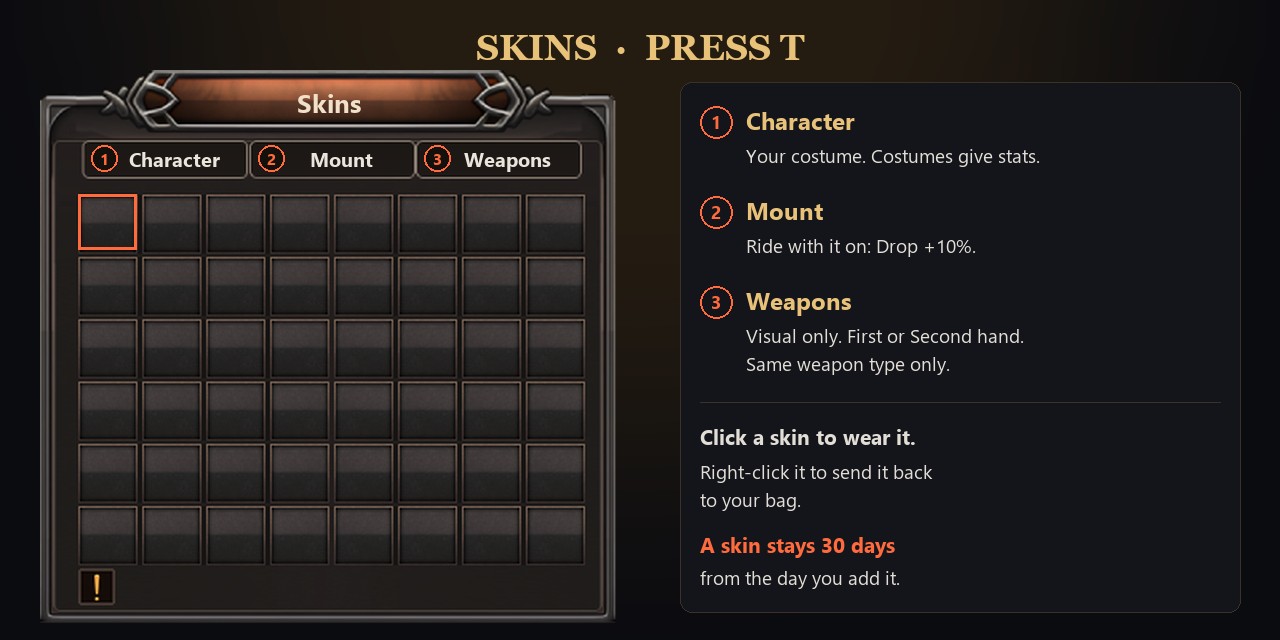 Skins (press T): costume, mount and weapon skins
Right-click a skin to save it in your album, then press T and click it to wear it. Costume, mount and weapon skins.
Skins (press T): costume, mount and weapon skins
Right-click a skin to save it in your album, then press T and click it to wear it. Costume, mount and weapon skins.
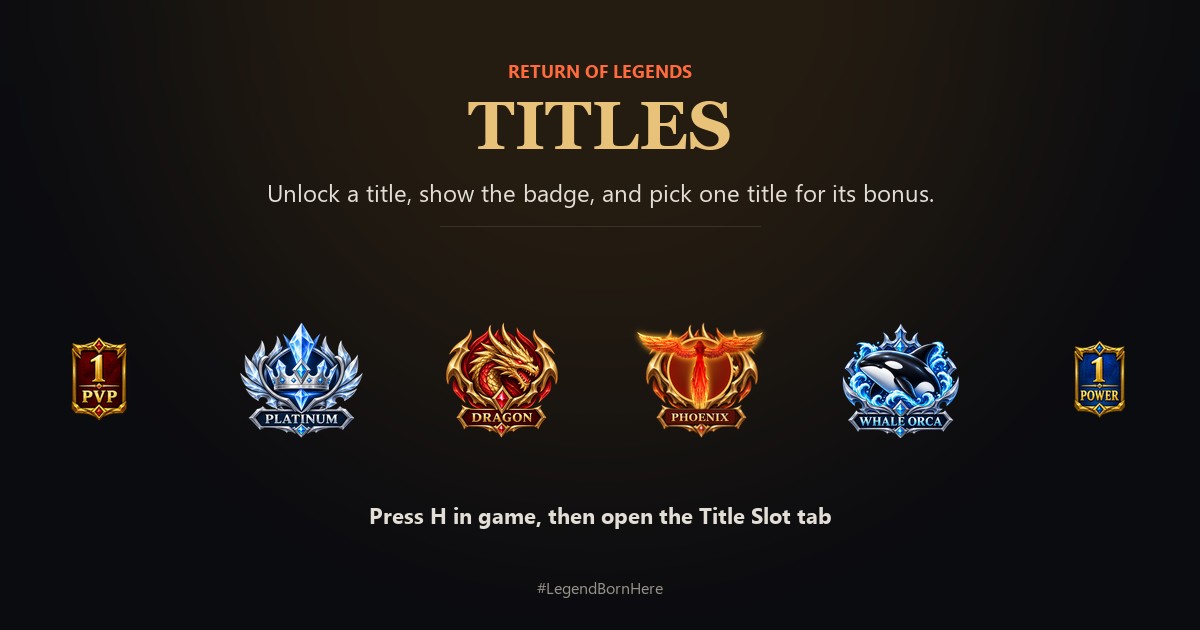 Titles: badges and bonuses
Press H and open the Title Slot tab. Unlock a title, show its badge, and pick one title for its bonus.
Titles: badges and bonuses
Press H and open the Title Slot tab. Unlock a title, show its badge, and pick one title for its bonus.
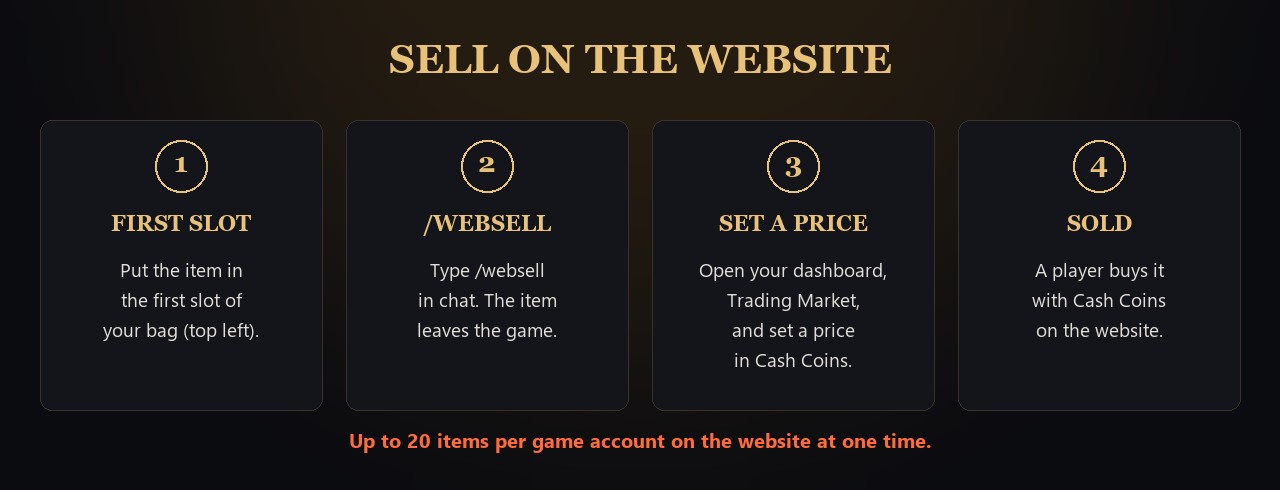 Trading Market: sell items for Cash Coins
Put an item in the first bag slot, type /websell, then set a price on the website. Buyers pay with Cash Coins.
Trading Market: sell items for Cash Coins
Put an item in the first bag slot, type /websell, then set a price on the website. Buyers pay with Cash Coins.
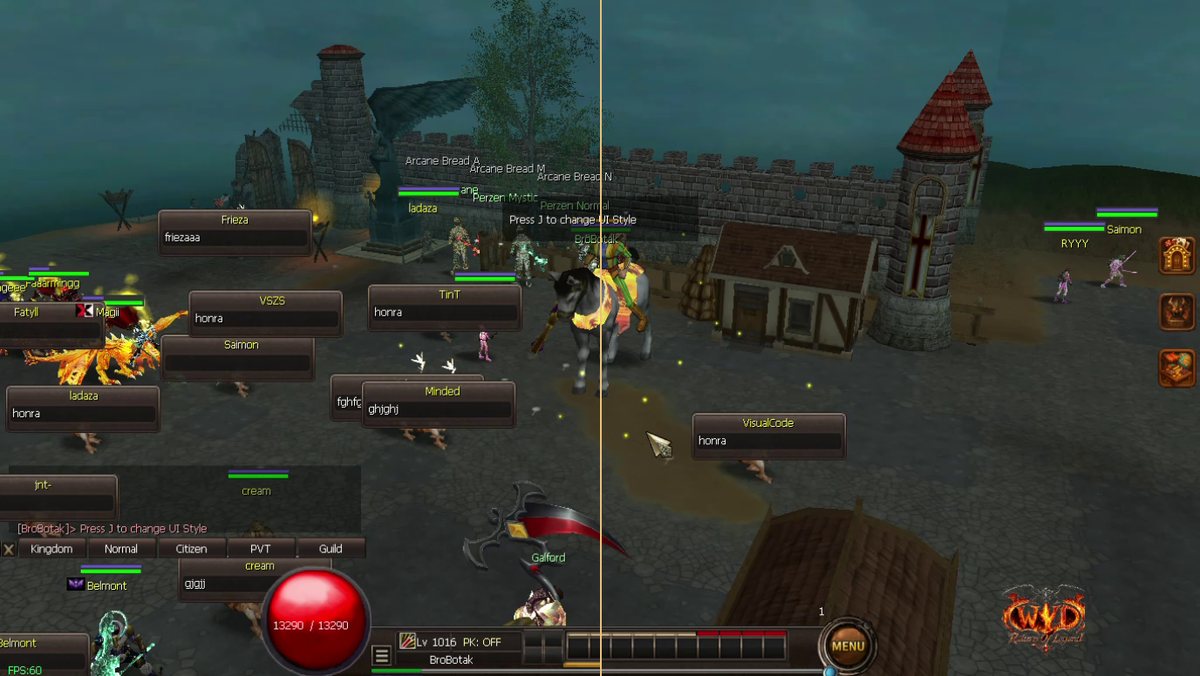 UI style: press J to switch
Press J in game to switch between the Orb style and the Classic style.
UI style: press J to switch
Press J in game to switch between the Orb style and the Classic style.
 Create your account and game account
Register on the website, then make the game login you type in the game.
Create your account and game account
Register on the website, then make the game login you type in the game.
 Download and install the game
Get the client, run the launcher and log in.
Download and install the game
Get the client, run the launcher and log in.
 Claim your starter pack
Every game account can claim one +15 starter set, one time.
Claim your starter pack
Every game account can claim one +15 starter set, one time.
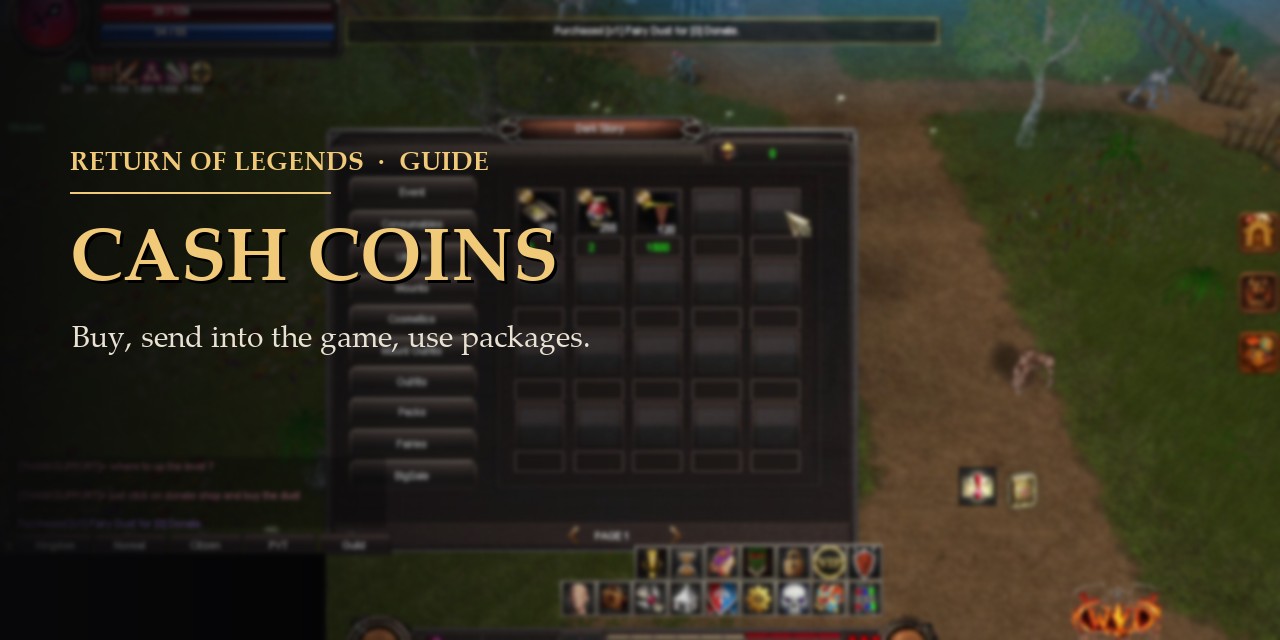 Cash Coins: buy, transfer and use packages
How to buy in the shop, send coins into the game and apply a package.
Cash Coins: buy, transfer and use packages
How to buy in the shop, send coins into the game and apply a package.
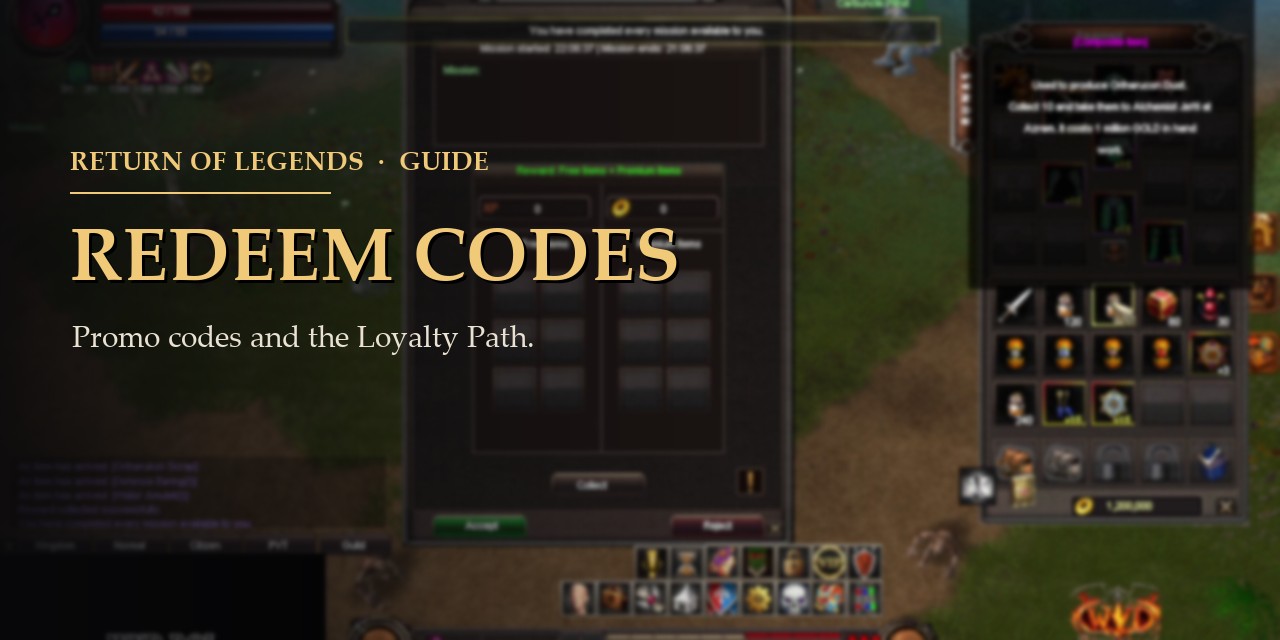 Redeem codes and Loyalty Path
Where to type a promo code and how loyalty points work.
Redeem codes and Loyalty Path
Where to type a promo code and how loyalty points work.
 Referral program
Share your code and earn a commission when your friends spend.
Referral program
Share your code and earn a commission when your friends spend.
 Guild emblem
Put your own picture on your guild.
Guild emblem
Put your own picture on your guild.
 Item log: see what you deleted
The Log button lists the items deleted on a game account.
Item log: see what you deleted
The Log button lists the items deleted on a game account.