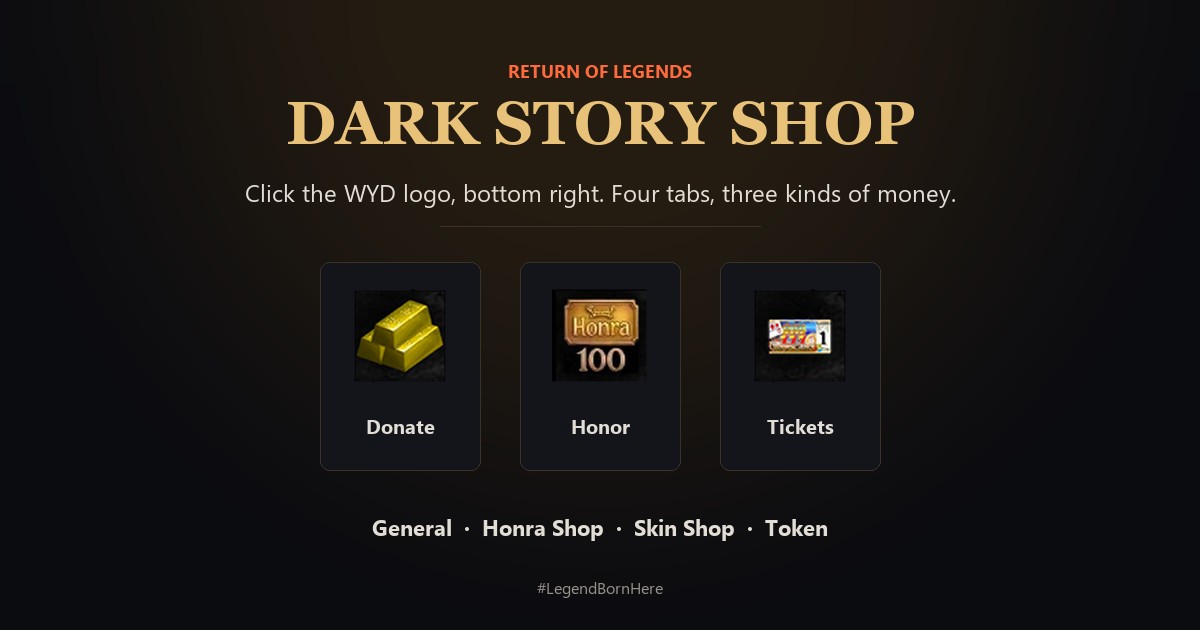
Click the WYD logo at the bottom right of the screen. Four tabs: General, Honra Shop, Skin Shop and Token. Each tab has its own money.
Open the shop
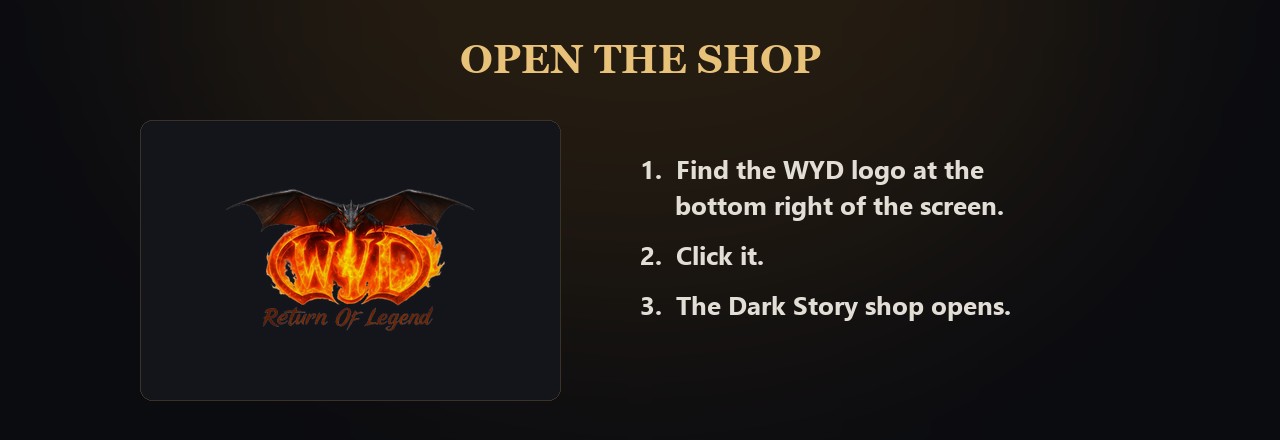
The WYD logo opens the shop
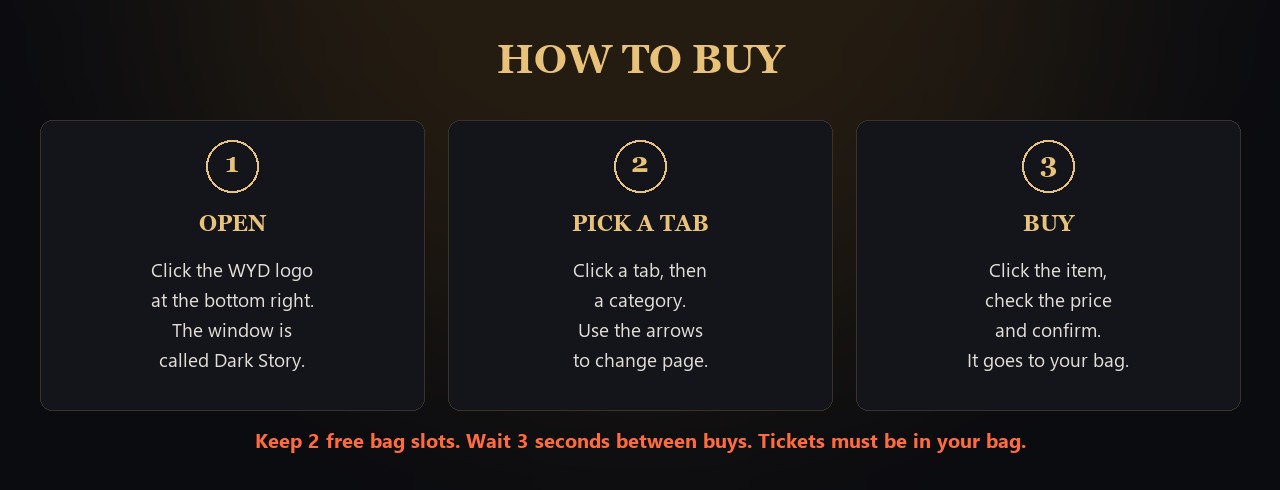
Click the WYD logo at the bottom right of the screen. The shop window is called Dark Story.
Four tabs on top: General, Honra Shop, Skin Shop and Token.
The box on the top right shows how much of that tab's money you have.
What each tab sells
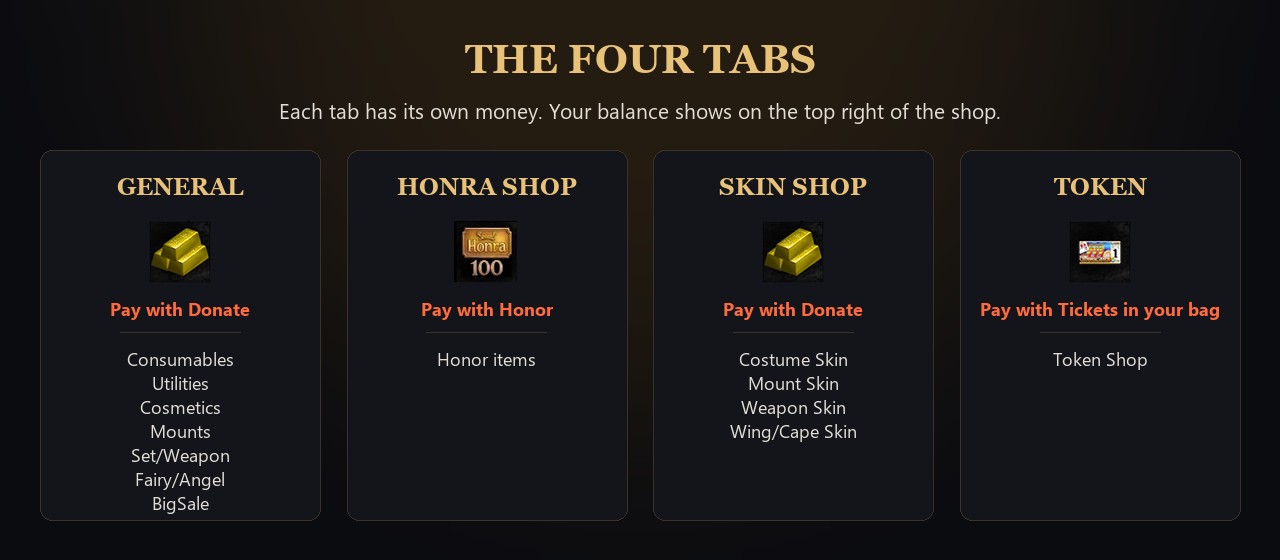
The four tabs and how you pay
General (pay with Donate): Consumables, Utilities, Cosmetics, Mounts, Set/Weapon, Fairy/Angel and BigSale.
Honra Shop (pay with Honor).
Skin Shop (pay with Donate): Costume Skin, Mount Skin, Weapon Skin and Wing/Cape Skin.
Token (pay with Tickets).
A list can have up to 10 pages. Use the arrows at the bottom.
Buy an item
Open, pick a tab, buy
Click the item, check the price, then confirm.
Keep 2 free slots in your bag. The item goes into your bag.
Wait 3 seconds between two buys.
Some items have a limited stock. "Not available" means it is sold out.
"Purchase block active!" or "Donate Store block active!" means you locked buying in Account Lock. Unlock it first: https://wydlor2.xyz/guides.php?id=52
Tickets for the Token tab
A Ticket is an item. The Token tab counts the Tickets in your bag. Tickets in storage do not count.
When you buy, the Tickets are taken from your bag.
Get Tickets from the Loyalty Path chests: Bronze 4, Silver 4, Gold 10, Platinum 40, Dragon 80, Phoenix 120, Whale Orca 200.
Honor
Open your Personal Shop in town: about +1 Honor every 10 minutes while it stays open.
Honor items: right-click them to add 1, 5, 10, 50 or 100 Honor.