
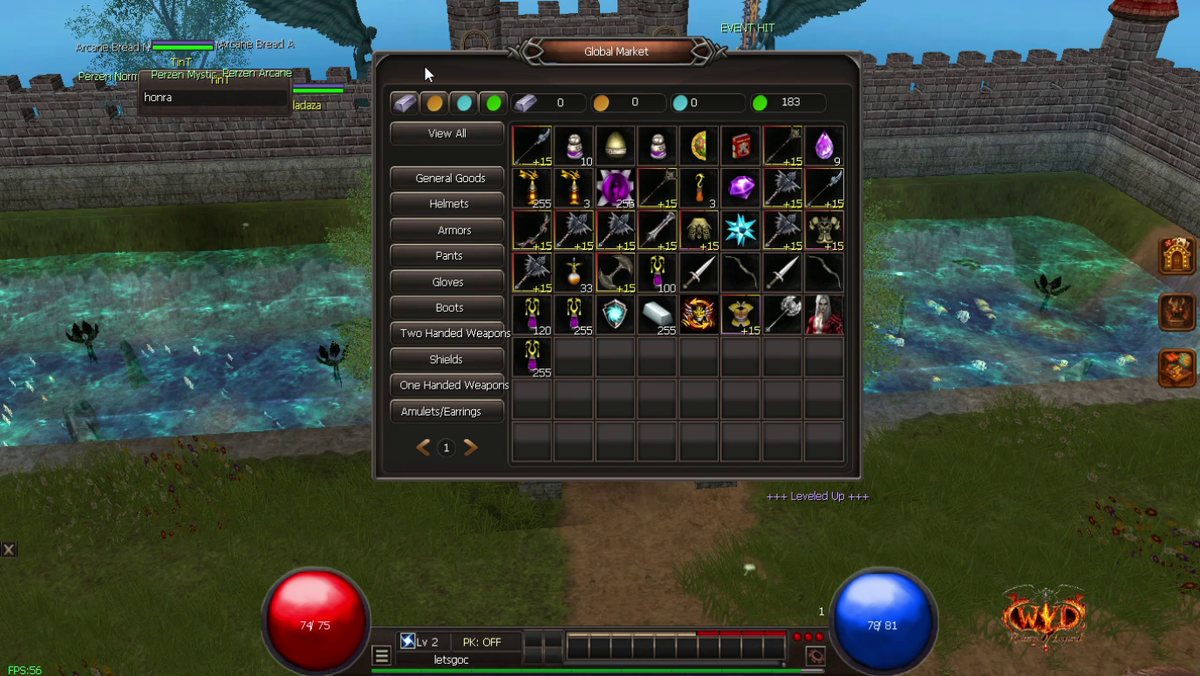
What it is
One window with the items from all player stores. You do not have to walk from store to store to find what you need.
Step 1: Open it
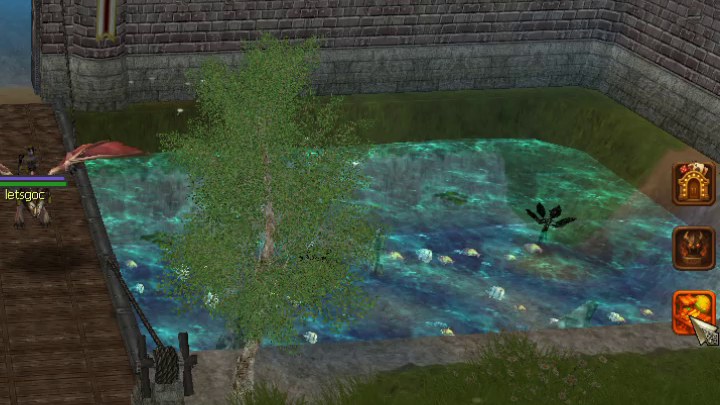
Click the bottom button on the right side of the screen (the chest icon). Click it again to close the window.
Step 2: Pick a group
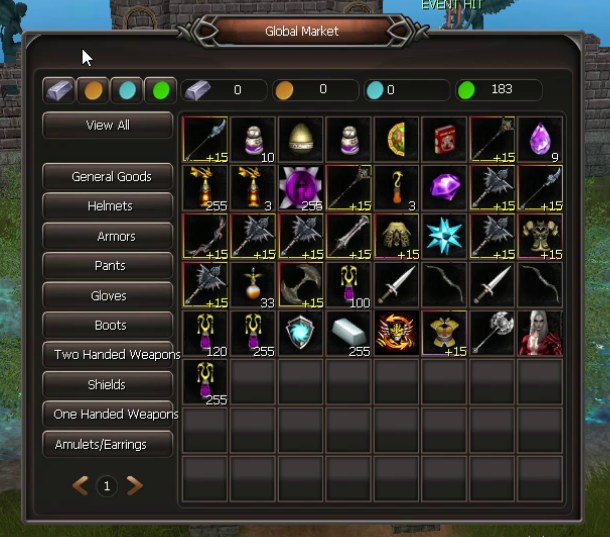
- View All shows every item.
- The groups: General Goods, Helmets, Armors, Pants, Gloves, Boots, Two Handed Weapons, Shields, One Handed Weapons and Amulets/Earrings.
- Use the arrows at the bottom to change page.
Step 3: Pick how you pay

The top bar shows your Gold Bricks, Gold, Donate and Honor. Click one of the 4 icons on the left to see only the items you can buy with it.
Step 4: Buy
- Put your mouse on an item to see what it does and its price.
- Click the item and confirm. It goes into your inventory, so keep one slot free.
- If you click too fast the game says "Wait 2 seconds before trying again".
Sell your own items
Open your own store as usual. Its items show in the Global Market for every player.